01
Add the details
Who, the day, the city, a line of welcome, and a photograph if you like.
Digital invitations
A beautiful animated invitation with every event, Google Maps directions, a countdown and RSVP — and, on top, a gift list your guests can give from. For a wedding, a baby shower, a new home or a birthday. Shared as one WhatsApp link. Free.
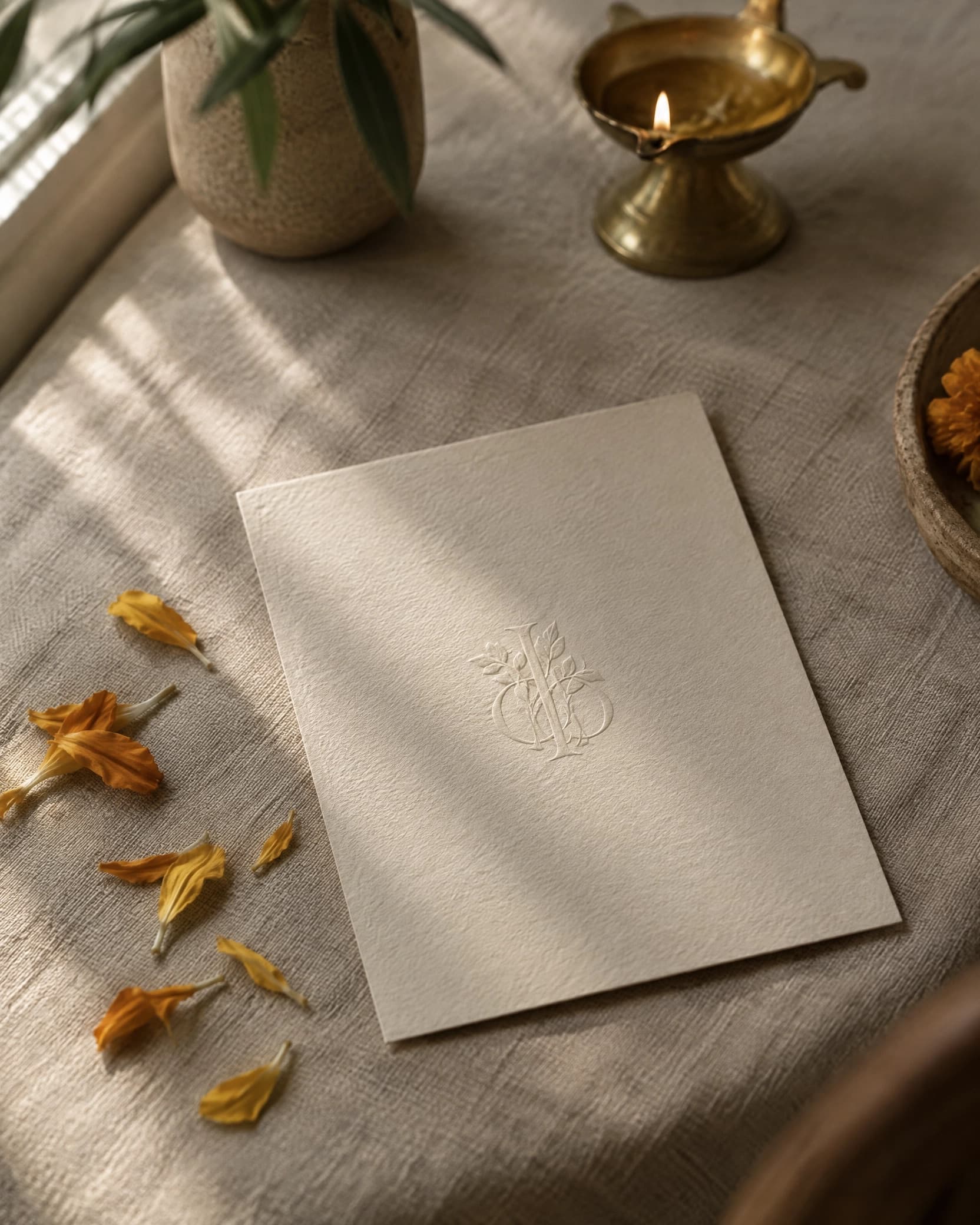
Together with their families
Asha & Kalyan
Saturday, 21 November
69
days
08
hrs
22
min
Everything your invitation needs
Everything a guest needs to turn up in the right place at the right time — and a way to tell you they're coming.
A living invite — your names, a photograph and a countdown that ticks — so it feels like an occasion the moment it opens.
Mehendi, sangeet, wedding, reception — every moment in one place, each with its time, venue and dress code.
Builds the anticipation to the day itself, live on every guest's phone.
Attending, not attending, and how many — collected effortlessly. Guests never need an account.
One-tap directions for every venue on the schedule. Paste your own maps link for the exact gate.
Google Calendar in one tap, or one file for everyone else. Nothing to install.
From bone paper and ink to night and gold — refined looks for modern Indian celebrations. Change it any time, even after sending.
See how many times it has been opened, who's coming, and the running headcount as guests respond.
On top of it all
Every Ceremoni invitation comes with a gift list behind it. Guests who want to give see what you'd actually love — a thing from any shop in India, or a cash gift that lands straight in your UPI account. It sits quietly at the end of the invitation, after the RSVP, and nobody has to ask.
Would rather send the invitation alone? Switch the list off with one tap in the editor. Switch it back on when the registry is ready.
Paste a link from Amazon, IKEA or a boutique — or pick from curated gift ideas — and it's on the list with its picture and price.
A honeymoon, a first home, whatever you're saving for. Guests pay you directly, from their UPI app to your account. No fees, on either side.
Once a gift is taken it shows as taken, so no one asks and nothing has to be returned.
Themes
Six carefully made looks for modern Indian celebrations. Each is a palette over the same page, so nothing ever breaks — and you can change your mind after publishing.
Together with their families
Asha & Kalyan
Saturday, 21 November
69
days
08
hrs
22
min
Editorial
Bone paper and ink. Quiet, modern.
Together with their families
Asha & Kalyan
Saturday, 21 November
69
days
08
hrs
22
min
Marigold
Warm saffron on ivory, for a daytime wedding.
Together with their families
Asha & Kalyan
Saturday, 21 November
69
days
08
hrs
22
min
Ivory & clay
Soft cream with a terracotta line.
Together with their families
Asha & Kalyan
Saturday, 21 November
69
days
08
hrs
22
min
Emerald
Deep green and old gold. Classic, formal.
Together with their families
Asha & Kalyan
Saturday, 21 November
69
days
08
hrs
22
min
Royal
Maroon and gold, in the heritage register.
Together with their families
Asha & Kalyan
Saturday, 21 November
69
days
08
hrs
22
min
Night
Deep ink with bone type, for an evening reception.

See a real one
Countdown, schedule, directions, RSVP, and the gift list behind it — the whole thing, as a guest sees it on their phone.
View the live invitationHow it works
Who, the day, the city, a line of welcome, and a photograph if you like.

As many as the occasion has. Each gets a venue and a maps link.

Choose from six themes, publish, and send the link over WhatsApp. The gift list is ready whenever you are.
Questions, answered
The invitation and the gift list to go with it, ready to send in a few minutes. Free, for whatever you're celebrating.
Create an invitation